Ten modules.
One workbench.
Invoicing, email newsletters, retail POS, time tracking, payroll, CRM, social scheduling, live reports, a mobile app and powerful integrations - every tool your business needs, working together in one affordable platform.
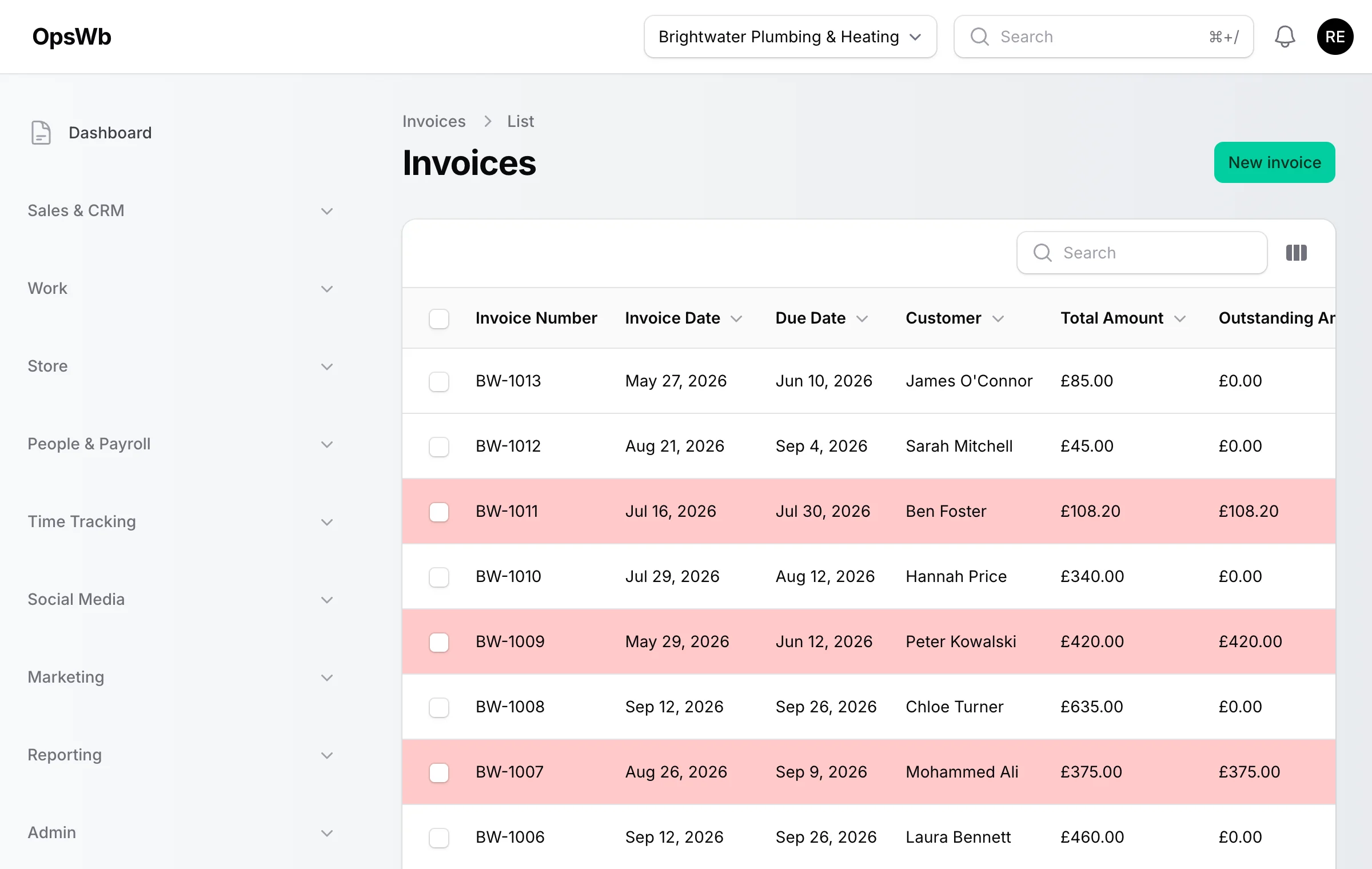
Invoicing & accounting
Keep on top of your money without an accountant on speed dial. OpsWB handles professional invoices, quotes, expenses, mileage and payments - with overdue reminders that chase for you and reports that update the moment a transaction lands.
- Professional branded invoices and quotes in seconds
- Recurring invoices for retainers and contracts
- Copy a payment link or send a Stripe checkout with every invoice
- Log expenses with receipts, and mileage at the HMRC rate
- Automatic overdue reminders and quote follow-ups
- AR ageing and revenue-by-customer reports for your accountant
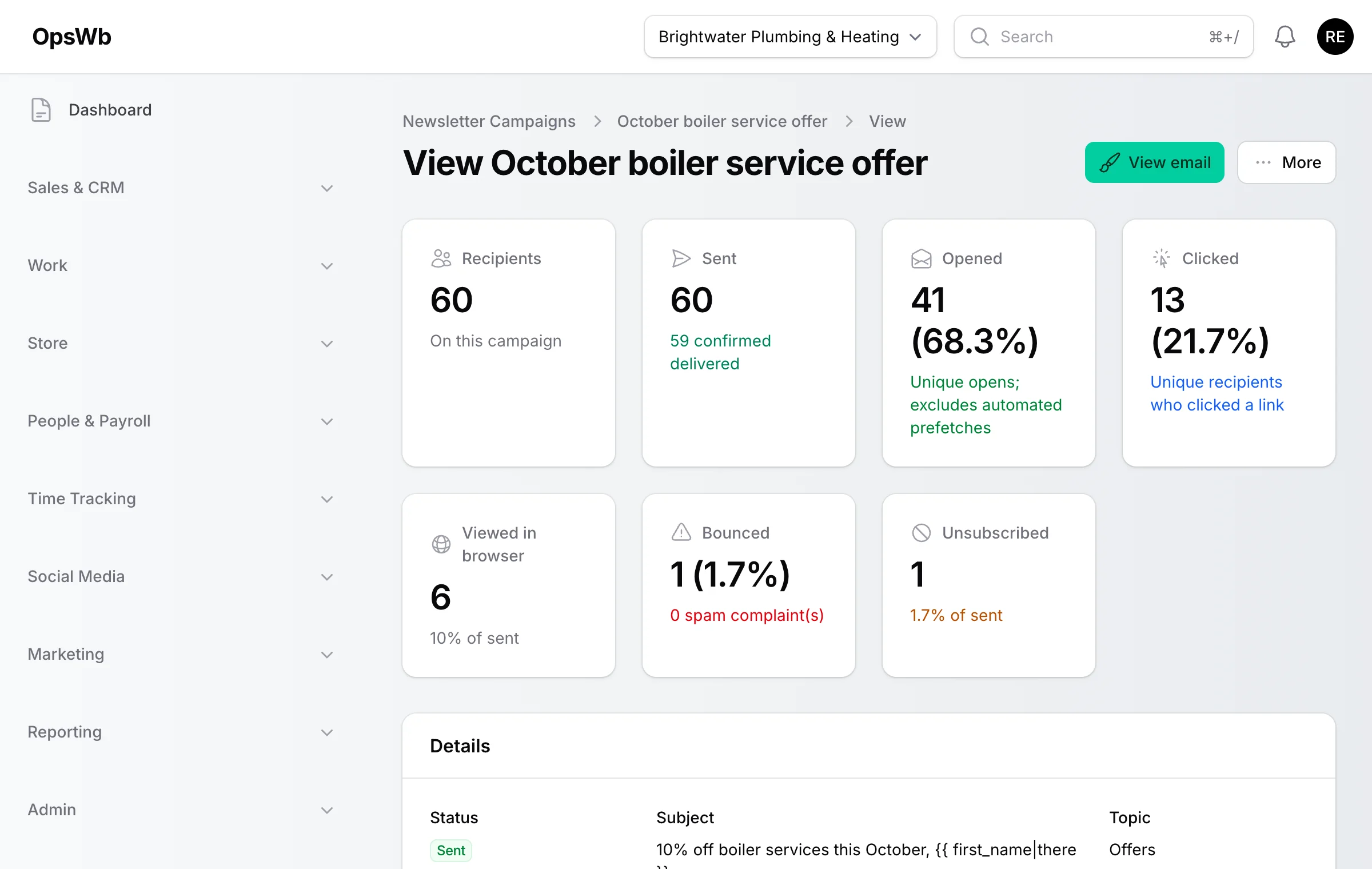
Email newsletters
Stay in touch with your customers without paying for a separate mailing tool. Upload a list, design your email in the drag-and-drop builder, send it through your own Amazon SES account, and watch the opens, clicks and unsubscribes roll in - per campaign and per person.
- Drag-and-drop email builder with reusable, saveable templates
- Upload a CSV of contacts per campaign - duplicates and opt-outs handled for you
- Topics so customers choose what they hear about, plus one-click unsubscribe
- Sent, delivered, opened, clicked, bounced and unsubscribed - with rates
- See exactly who opened, clicked or unsubscribed from each campaign
- Sends through your own AWS SES account: your reputation, your costs
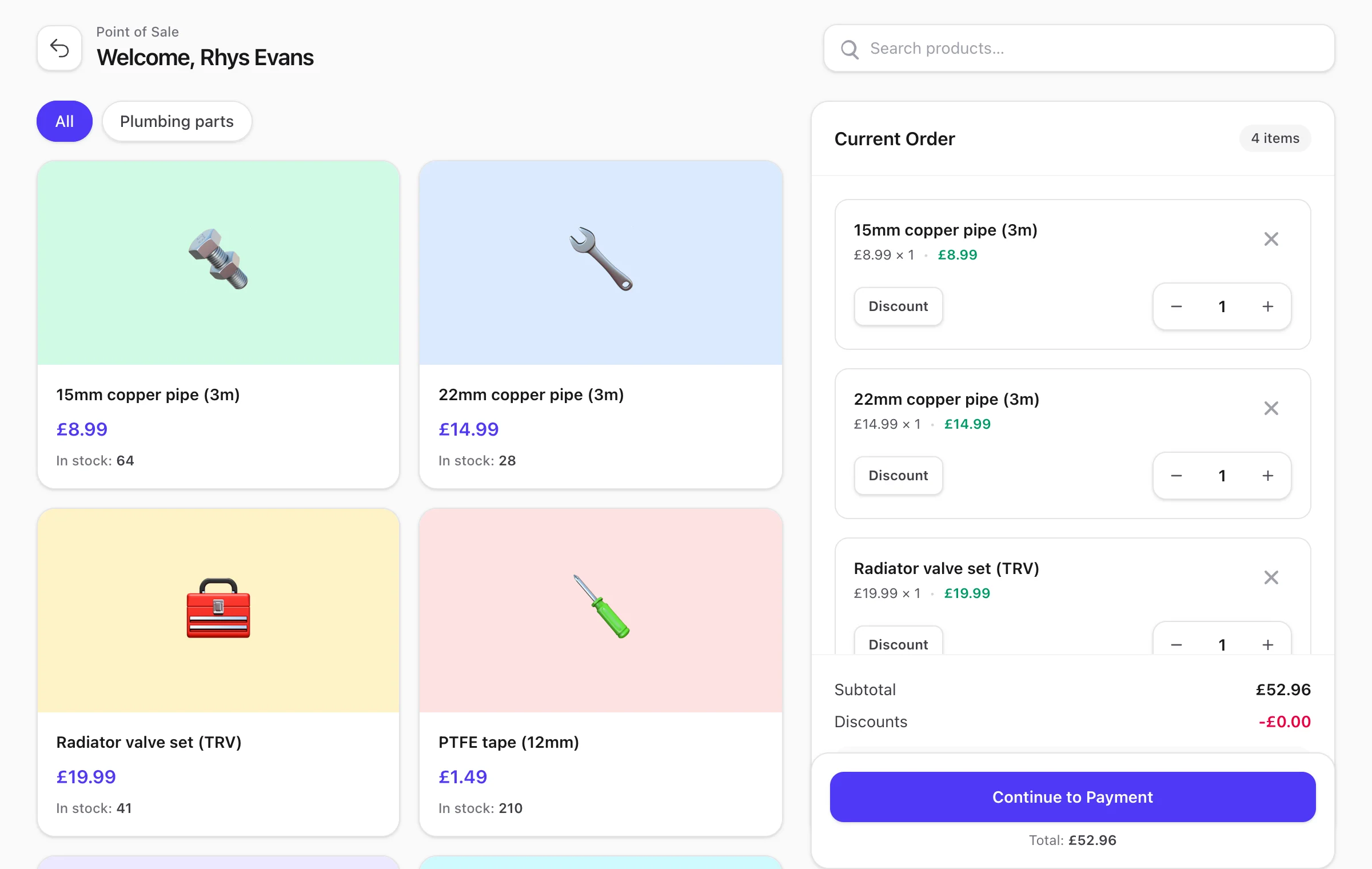
Retail POS & stock control
A fast, touch-friendly till built directly into OpsWB - no separate app, no monthly till fee. Scan barcodes, handle product variations and take cash, card or Stripe, whilst stock and your accounts update in the background.
- Touch-friendly till - works on tablet or desktop
- Scan EAN-13 barcodes for lightning-fast checkout
- Product variations (size, colour, weight and more)
- Live stock that decrements as you sell, with stock takes
- Sale source tracking - know which channel each order came from
- Cash, card and Stripe - print or email receipts
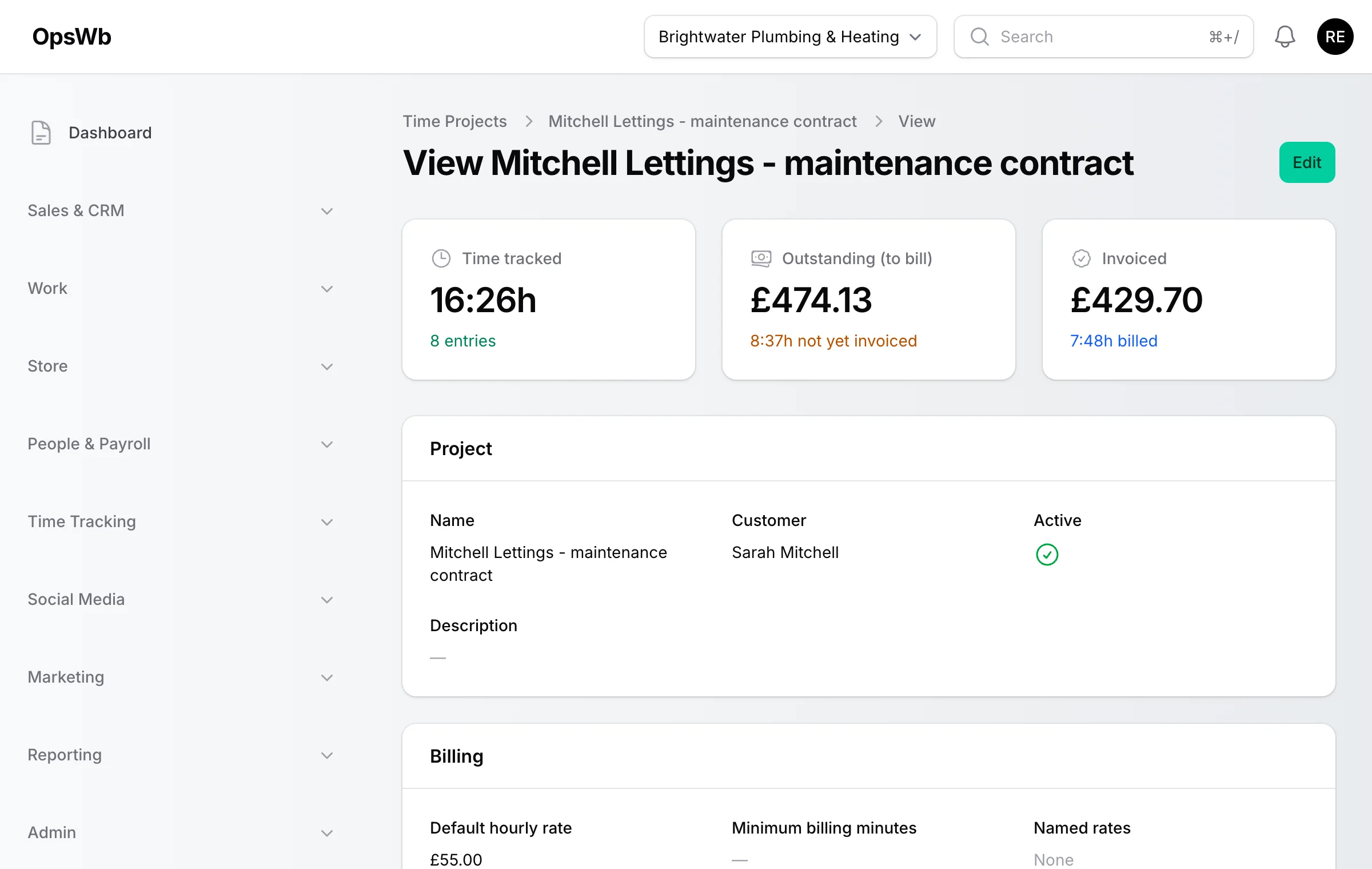
Time tracking & projects
Track billable time the way you actually bill it. Start a timer or log time by hand, set named rates and minimum billing blocks per project, run pre-paid retainer pots that draw down automatically, and turn unbilled time into an invoice in a click.
- One-tap timer, manual entries, and a calendar view of your week
- Named rates per project - standard, out-of-hours, call-out
- Minimum billing blocks and rounding rules
- Retainer pots and monthly allowances with low-balance warnings
- Move entries between projects, cancel a timer started by mistake
- Outstanding vs invoiced time on every project, ready to bill
Payroll & shifts
Stop using spreadsheets to track who worked when. Build shifts and rotas, roll them into a UK PAYE pay run with tax, NI and pension worked out, and give your accountant the export they actually want.
- Shift scheduling and weekly rota builder
- UK PAYE pay runs - tax, National Insurance and pension calculated
- Payslips generated and shared with your team
- Expenses reimbursed through payroll appear on the payslip
- Pay run statistics and inline editing before you approve
- Hours, pay and expenses exports built for accountants
Customers & team (CRM)
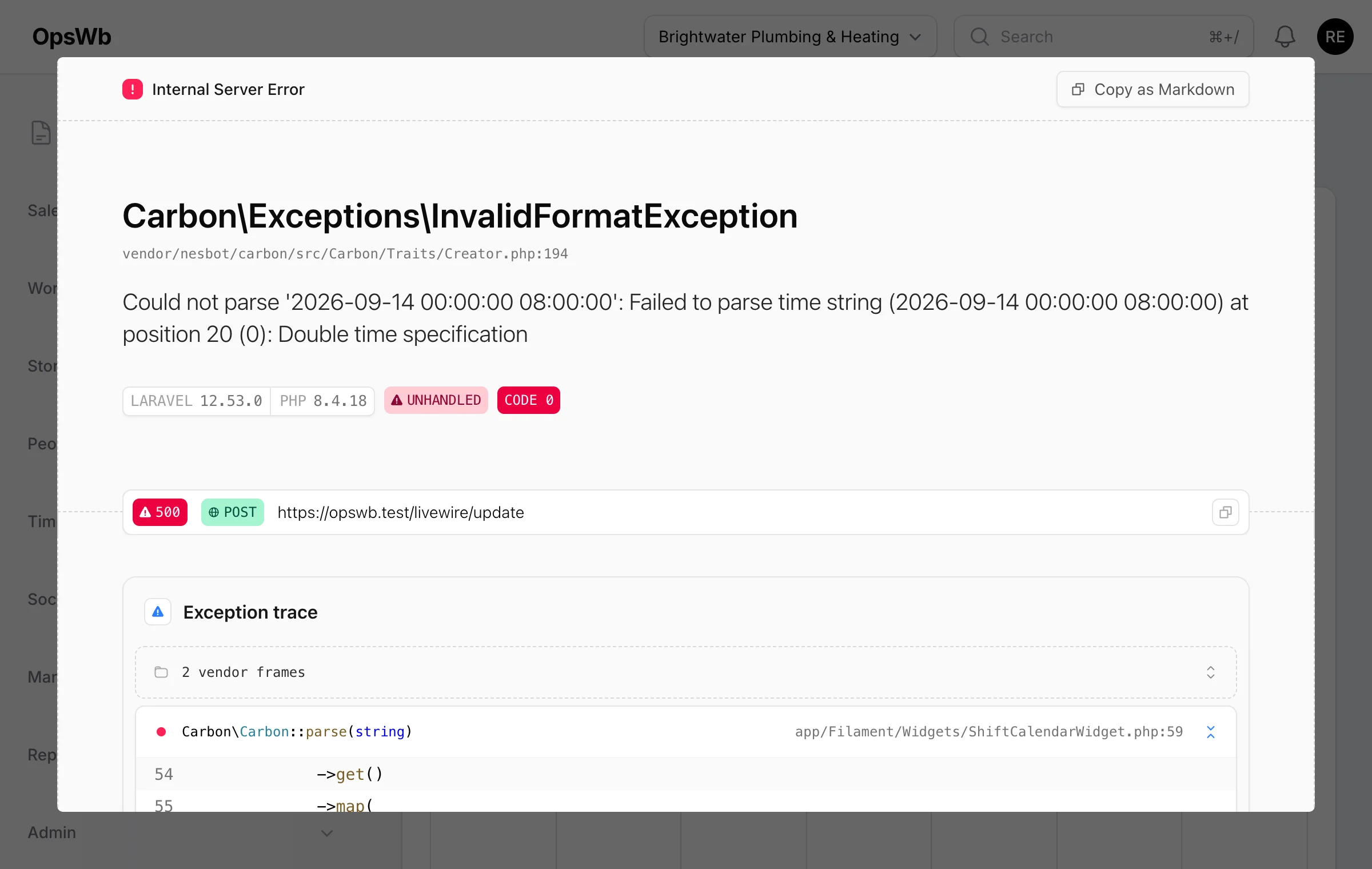
One place for every person who matters to your business. Store customer and employee details, see quotes, jobs, invoices and lifetime value on one screen, share documents securely, and control who can see what with granular permissions.
- Customer directory with quotes, jobs, invoices and lifetime billed
- Secure upload links so customers can send you documents
- Granular permissions - section by section, with per-user overrides
- Login and record-view auditing: see who looked at what, and when
- App-based two-factor authentication, enforceable company-wide
- Document management on the Advanced plan
Reports & dashboards
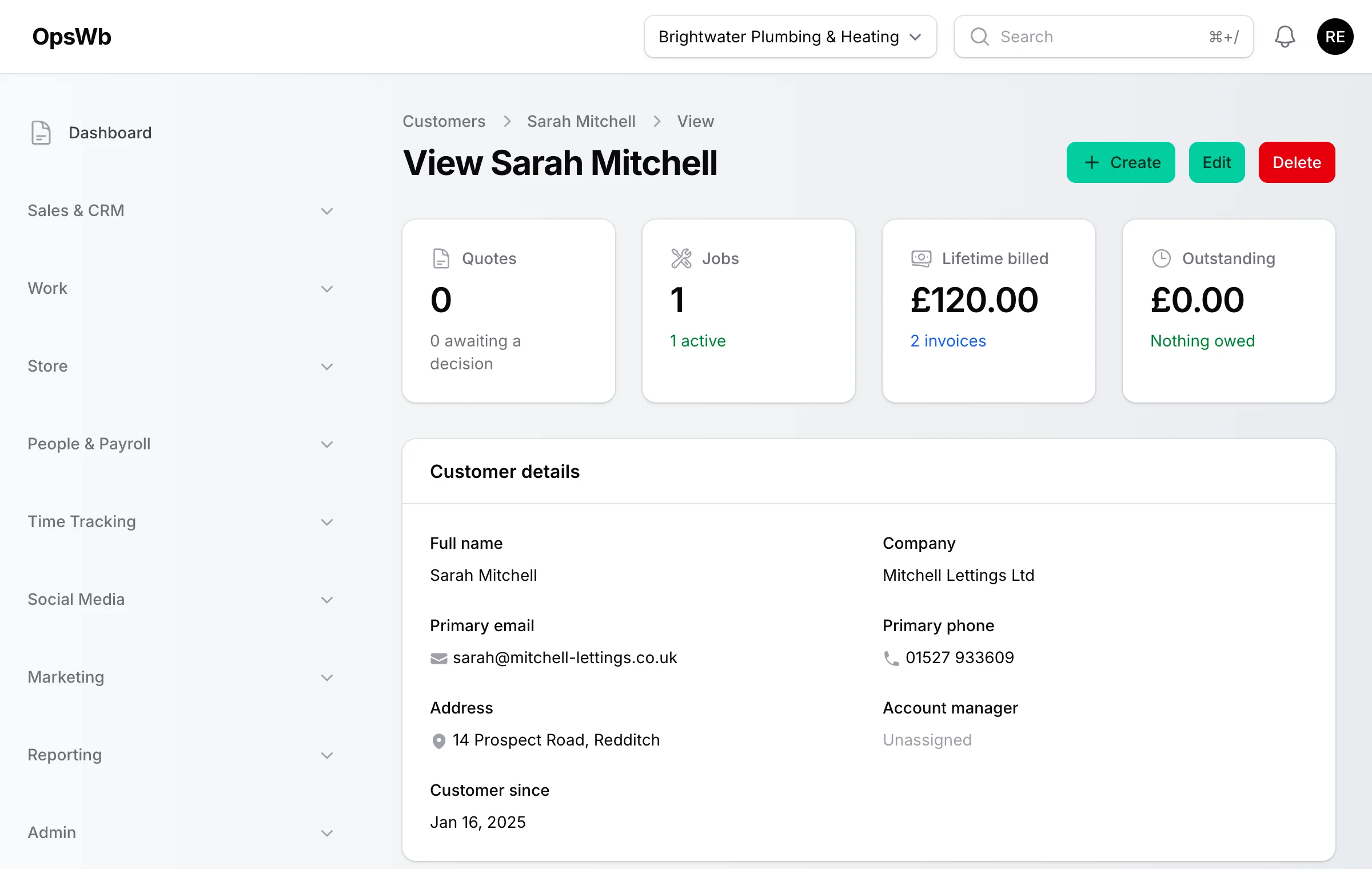
Your whole business at a glance, updated in real time. A customisable dashboard shows open quotes, jobs, outstanding invoices and today's visits, and one Reports page covers everything from stock movement to AR ageing - exportable to Excel or CSV.
- Customisable dashboard with the widgets you care about
- One Reports page: stock, time tracking, pot balances, mileage and more
- AR ageing and revenue-by-customer for cash-flow conversations
- Payroll and time-tracking reports by employee, project or period
- Global search that finds customers, projects, invoices and jobs instantly
- Export any report to Excel or CSV for your accountant
OpsWB Mobile app
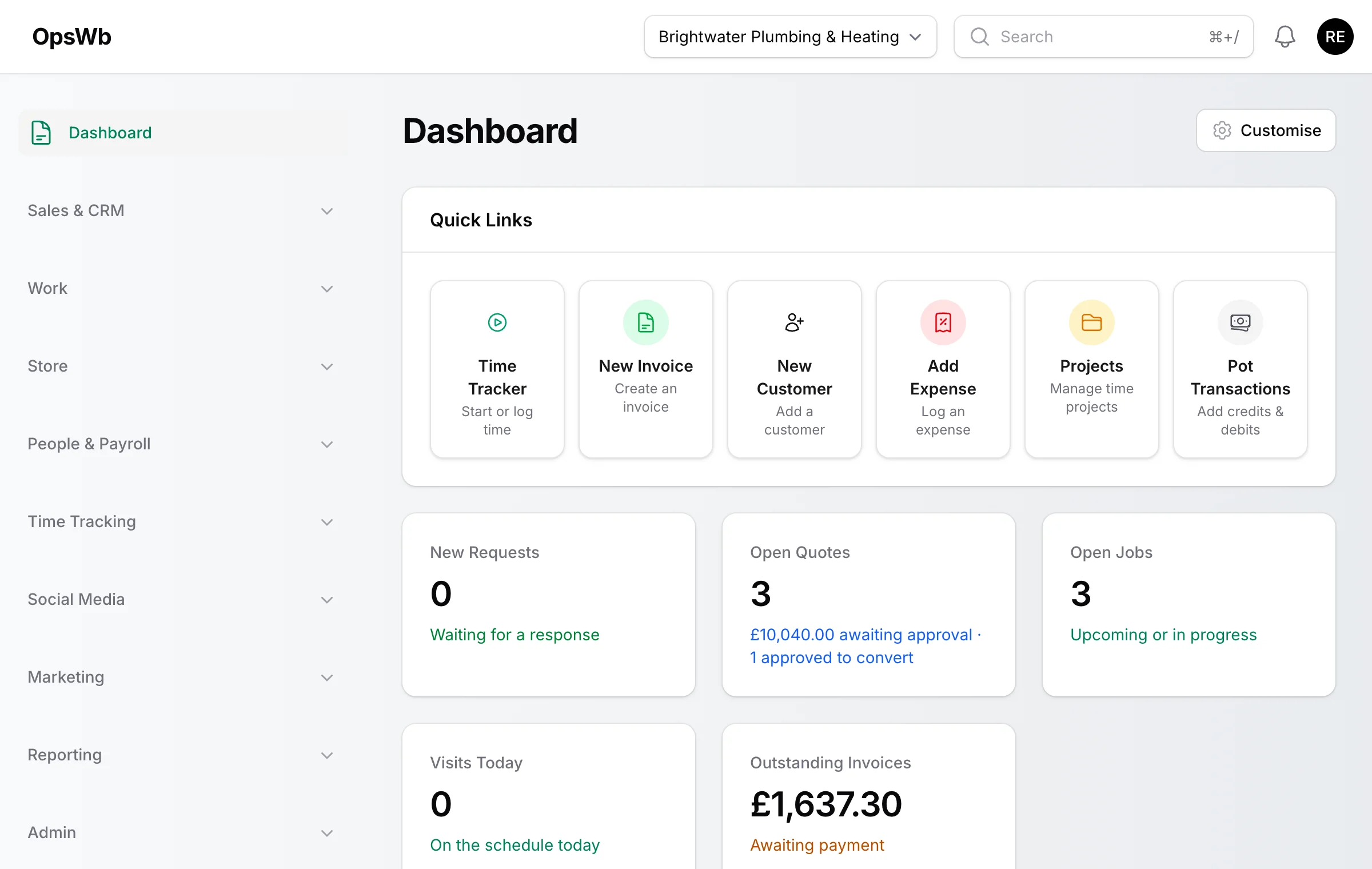
Your business in your pocket. The companion app for iPhone and Android gives you and your team the essentials on site - jobs, visits, time and photos - and syncs straight back to your OpsWB account.
- Today's jobs, visits and key numbers as soon as you open the app
- Update job progress and snap photos straight to the job record
- Start, stop and log time against projects wherever you are
- Quotes, invoices and customer details without a laptop
- Secure login with the same account and permissions as the web app
- Built on the OpsWB API - everything you do on mobile shows up everywhere
Integrations
OpsWB connects to the tools small businesses already rely on. Payments flow through Stripe, your online shop syncs via WooCommerce, newsletters send through Amazon SES, and your social presence is managed through the Meta API - all from the same settings screen.
- Stripe - take card payments and send payment links
- Stripe - reconcile paid invoices automatically via webhooks
- WooCommerce - sync your product catalogue and pull in online orders
- Amazon SES - send newsletters from your own AWS account
- Meta - connect Facebook Pages and Instagram accounts
- Mobile API for the OpsWB app, with per-user permissions
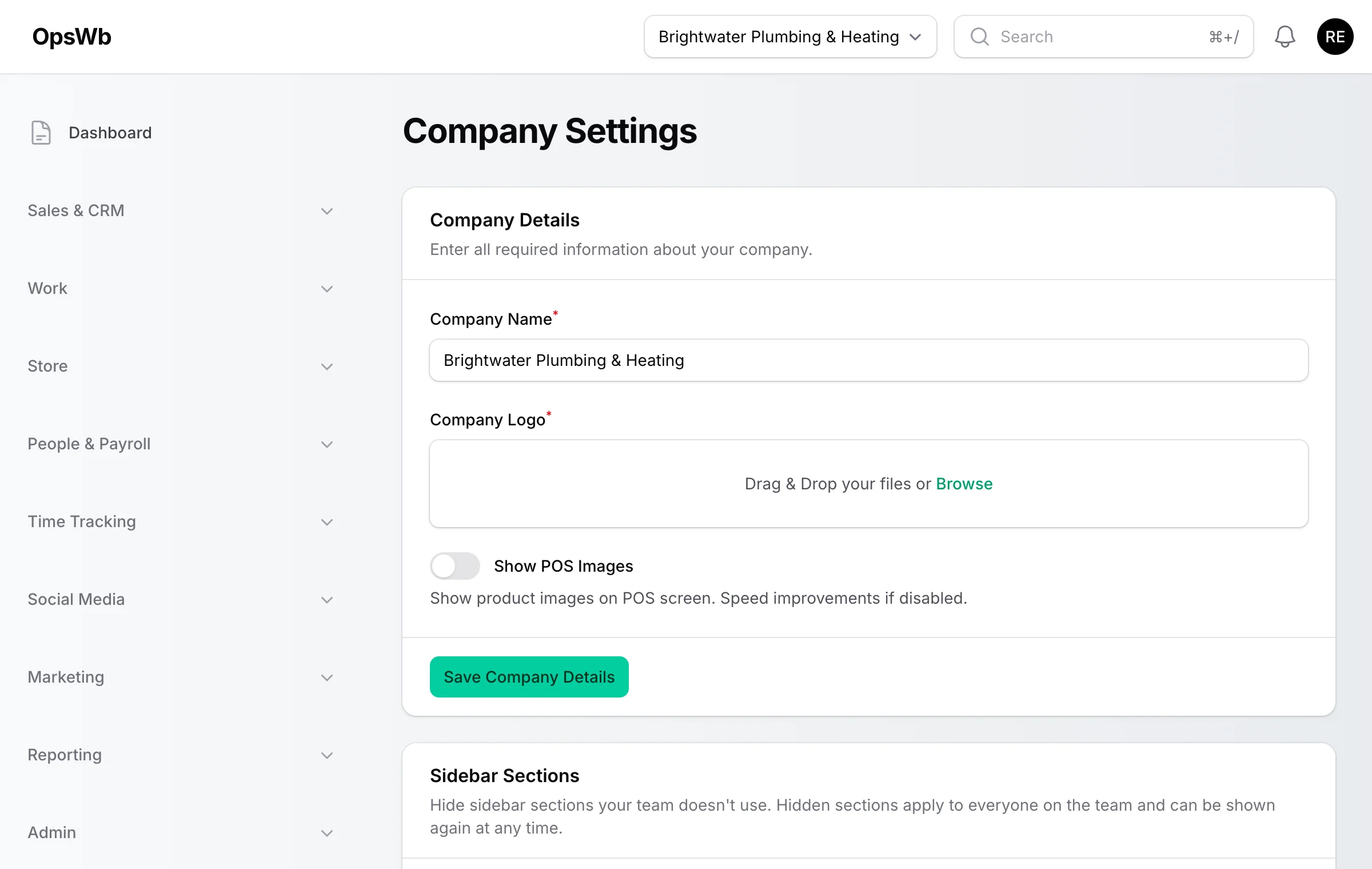
Basic or Advanced - here's the difference
Both plans include invoicing, time tracking, CRM, reports and the mobile app. Advanced unlocks email newsletters, the retail POS, payroll, social scheduling and document management.
Basic
Freelancers & small service businesses
£4.99 /month
Everything a solo operator or small service business needs to invoice, track and get paid.
Advanced
Growing teams, retail & agencies
£14.99 /month
The full workbench - email newsletters, retail POS, payroll, social scheduling and multi-company, all included.
Stop juggling apps.
Start running your business.
Join businesses already using OpsWB to invoice, sell, track time, pay staff, email customers and schedule social posts - all from one dashboard. Your 2-day free trial starts today.
No credit card required · 2-day free trial · Cancel anytime
Social media scheduling
Plan your social content in the same place you run your business. Connect your Facebook Pages and Instagram accounts via the Meta API, draft posts and schedule them on a visual calendar - then get on with the actual work.